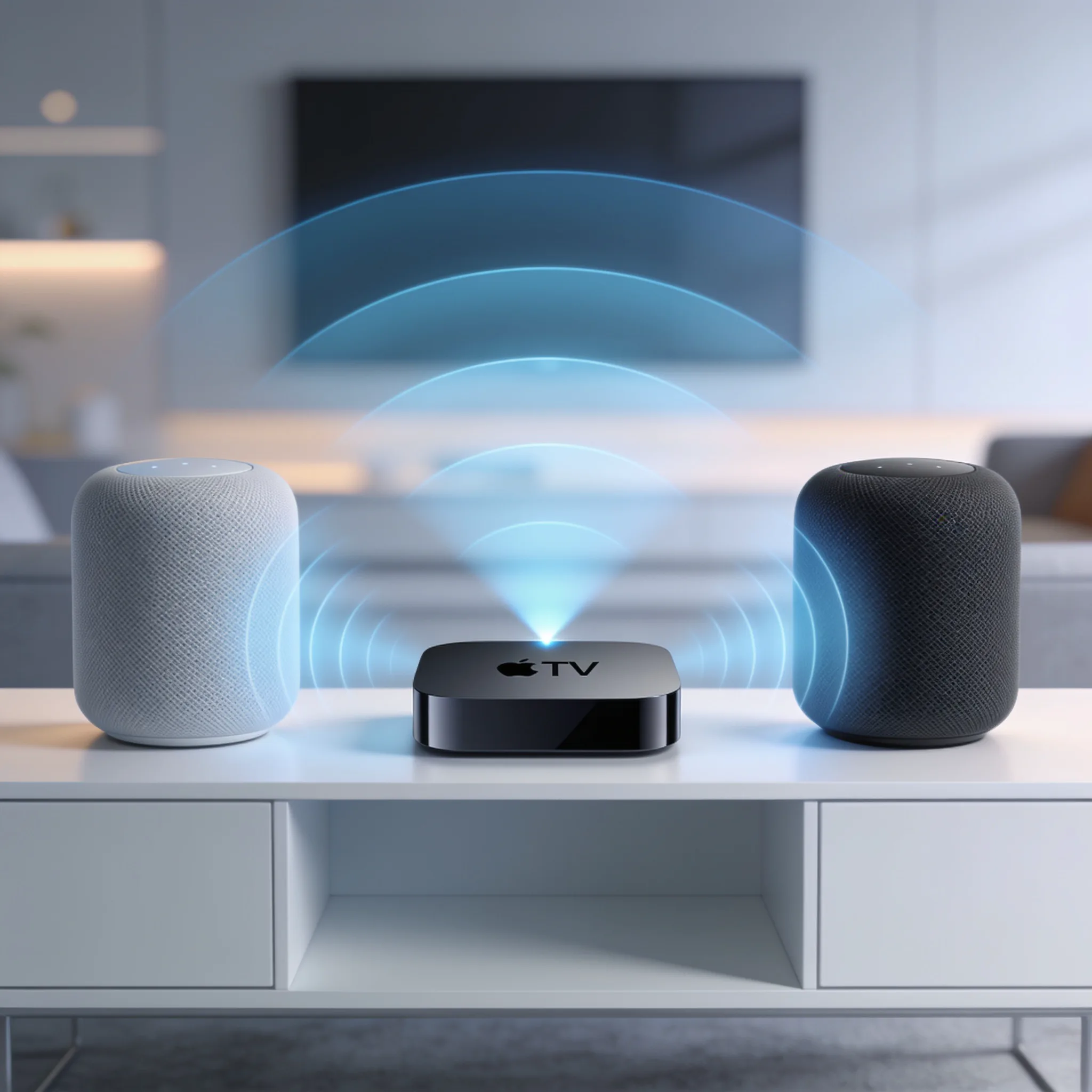
The fourth-generation Apple TV 4K, released on November 13, 2026, introduces surround sound functionality that is not backwards compatible with previous models. Users seeking an immersive home theater experience must own the new device alongside up to four second-generation HomePods or HomePod mini 2s.
Hardware Requirements and Costs
Official pricing reveals a significant investment for the full system. The Apple TV 4K costs $299 at Apple's website and local stores. Second-generation HomePods retail at $349 each, while HomePod mini 2s are priced at $149 each. A complete setup using four smart speakers could reach $1,700.
Apple requires all devices to run the most recent software before configuration begins. Users can pair two sets of either home speaker type, but the front and rear pairs must match. This means two HomePods paired with two HomePod mini 2s is not permitted; both front and rear sections need identical speaker models.
Configuration Process
Setting up the system begins by assigning the Apple TV 4K and all HomePod speakers to the same room within the Home app. Owners turn on their Apple TV, open Settings, navigate to AirPlay and Apple Home, then select a room under the Select a Room option.
Adding speakers involves opening the Home app on an iPhone or iPad, tapping Add, selecting Add Accessory, and scanning a code or holding the device near the speaker. Users must tap Allow when prompted to add the accessory to the network, then choose the same room as the Apple TV 4K.
To configure surround sound, users open the Home app, select a HomePod, tap the gear icon, scroll to Create Home Theater, and tap the desired HomePods to group them. After grouping, they tap the checkmark at the top corner. A notification then instructs users to continue setup on the Apple TV.
Turning on the Apple TV triggers onscreen prompts guiding speaker placement. When using mixed HomePod and HomePod mini 2 combinations, Apple recommends placing larger speakers at the front of the room. Selecting Start Tuning initiates a series of tones that calibrate the system to the space.
After tuning completes, users confirm speaker placements and color selections before hitting Confirm. For those preferring stereo over surround sound, the process involves creating a stereo pair in the Home app, assigning it to the same room as the Apple TV 4K, and following onscreen instructions until prompted to use the speakers as TV speakers.
What it means
This update creates a clear hardware barrier for existing Apple TV owners who wish to access surround sound features. Previous model users cannot upgrade their audio capabilities through software alone, requiring a complete device replacement. The strict pairing rules between front and rear speakers also limit flexibility for users who may already own different HomePod generations.
The substantial cost difference between this system and traditional surround sound setups remains unaddressed in official materials. Whether the AI and quality improvements justify the premium price point depends entirely on individual budget considerations and audio preferences.
Users with existing HomePod inventory face uncertainty about whether their current equipment will support future updates or if additional purchases remain necessary for optimal performance.
Would you consider investing nearly $1,700 for this Apple surround sound system, or do you prefer more affordable audio alternatives?