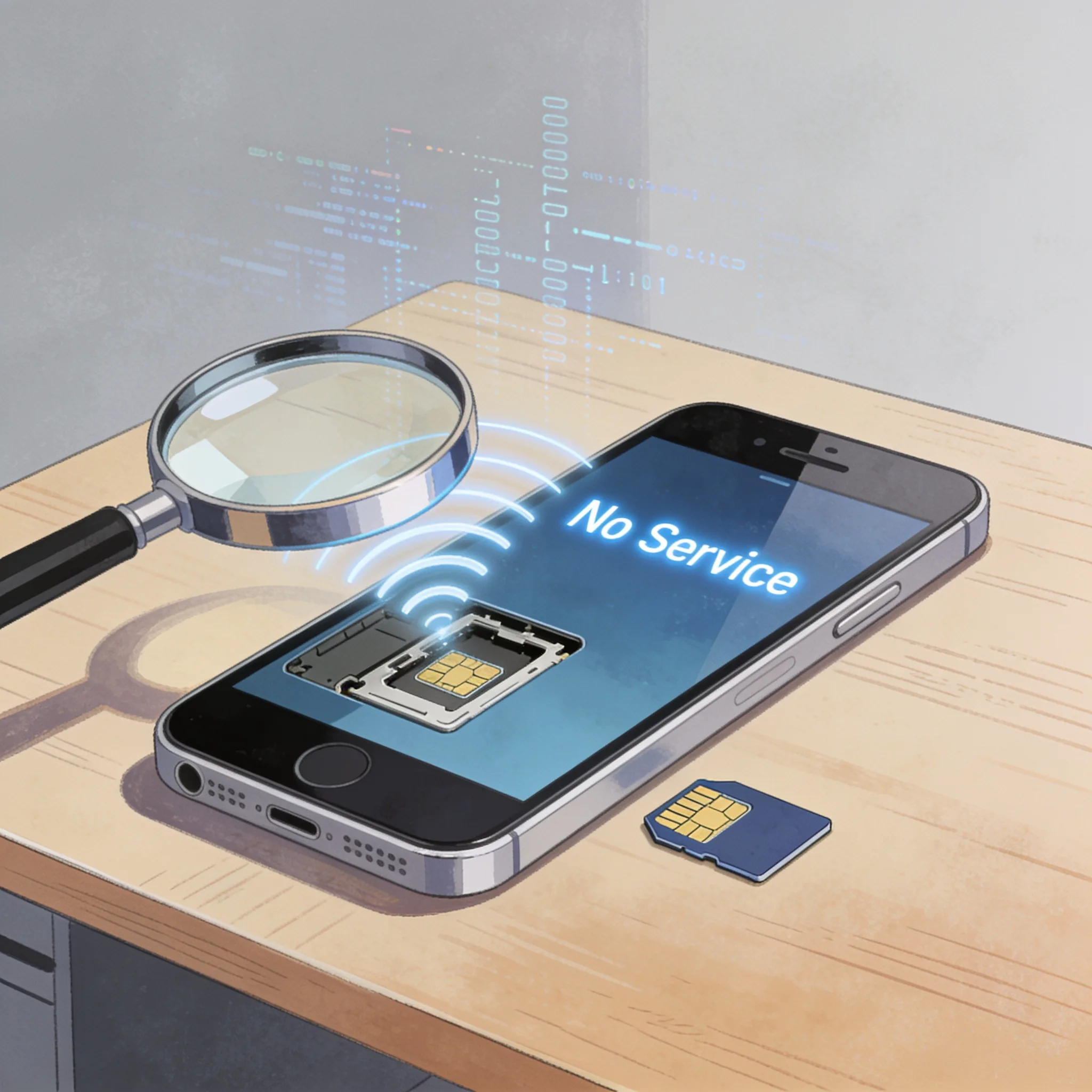
Mobile phones frequently display "No Service" alerts even when a Subscriber Identity Module (SIM) card is present, disrupting calls and text messages. This error indicates a break in the connection between the device and the mobile carrier rather than a complete hardware failure.
Physical Connection Issues
A common cause for this error is a badly seated SIM card. The phone remains powered on but loses access to core features because the card did not make proper contact during installation or was dislodged by an impact. Removing the SIM tray using a dedicated ejector tool, paper clip, or safety pin allows users to reseat the card securely.
Carrier Network Status
Connectivity problems often stem from external factors such as network outages specific to a mobile provider. If other devices on different carriers maintain internet access or voice service while one user experiences failure, the issue likely lies with the local infrastructure. Verifying service status with contacts using the same provider can confirm whether a widespread outage is responsible.
Software and Account Settings
Software-level glitches can also trigger service errors. Toggling Airplane Mode forces the device to reconnect to available towers. Users may perform a network reset through the iPhone Transfer or Reset section or Android Reset Options menu without losing personal files, though Wi-Fi credentials will require re-entry. eSIM users face unique challenges during international travel. Adjusting data roaming settings within Cellular or Mobile Data menus on iOS, or SIM Manager on Android, can resolve connectivity barriers associated with digital SIM profiles.
Account status plays a critical role in maintaining service. Unpaid bills or suspended accounts prevent the SIM from authenticating with the carrier network. Checking online account portals confirms whether payments are current and service remains active.
Environmental Factors
Location significantly impacts signal reception. Obstructions like buildings or terrain can block tower signals, resulting in temporary loss of coverage. Moving to an area with better visibility of cell towers often restores connectivity immediately.
What it means
Users experiencing sudden loss of service should methodically check physical connections before assuming hardware damage. Most cases resolve through simple actions like reseating cards or refreshing network settings. However, persistent issues may indicate deeper account suspensions or regional infrastructure failures requiring carrier intervention.
The distinction between a local device problem and a broader network outage determines the appropriate response time. Immediate troubleshooting applies to seating and settings, while account or outage issues necessitate waiting for provider resolution or billing correction.
Do you rely on manual troubleshooting or carrier support when your phone loses service?