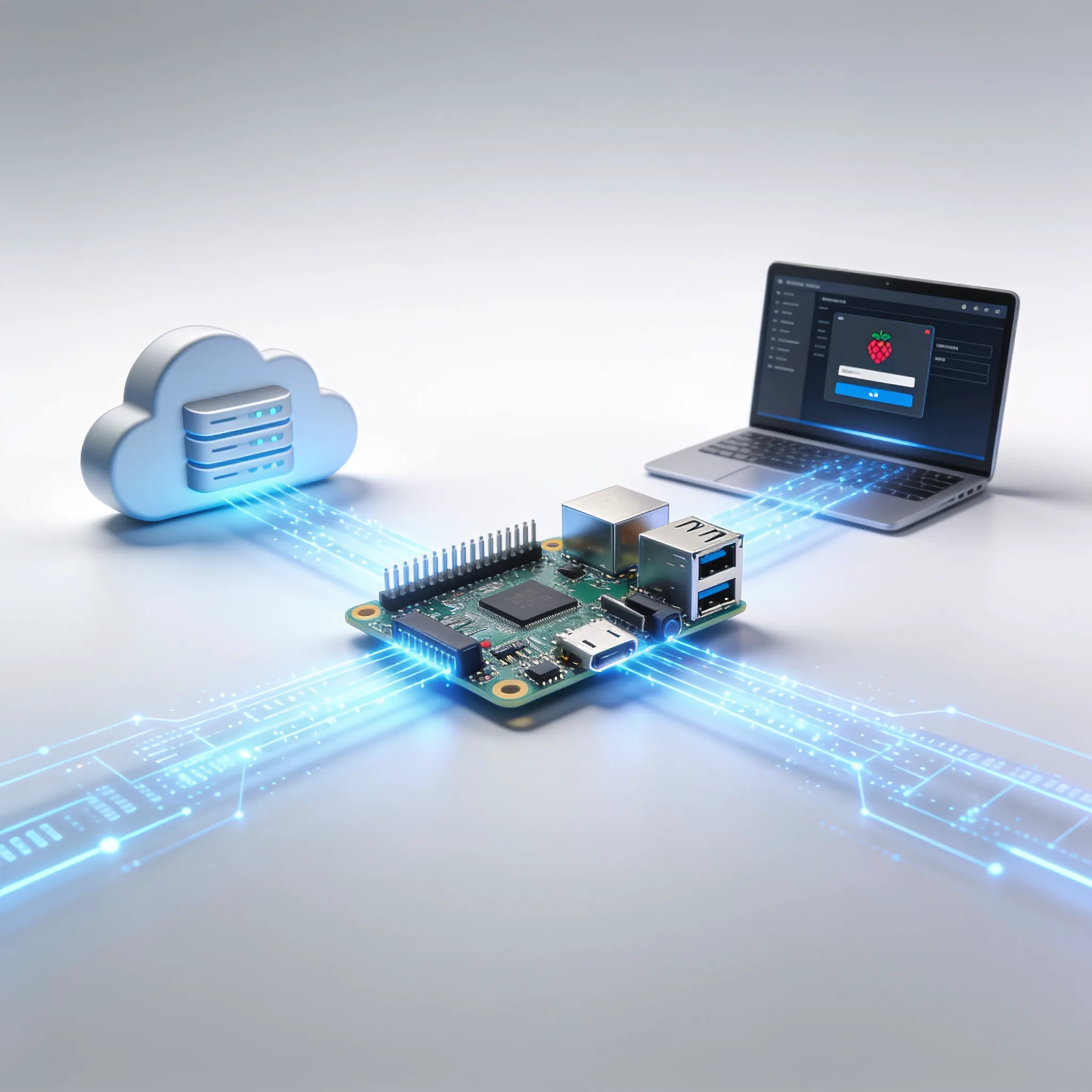
Raspberry Pi has introduced a new utility designed to simplify remote access to its single-board computers. The official tool, named Raspberry Pi Connect, eliminates the need for users to configure port forwarding, a process that often presents security risks and technical challenges.
The program enables communication with a Raspberry Pi unit over the internet from outside the local network. It leverages WebRTC technology to establish a peer-to-peer connection through a secure tunnel. This architecture allows the tool to bypass strict firewalls and restricted NATs without requiring third-party software installation on the device itself.
Connect offers two primary functions: screen sharing and remote shell. The remote shell operates as an SSH terminal within a web browser, suitable for monitoring systems or executing commands remotely. Screen sharing converts a browser into a remote desktop interface, though it requires an active Wayland session and will consume Pi resources.
Compatibility depends on the operating system version. The tool works automatically with devices running Bookworm or later versions of Raspberry Pi OS. Older devices can still utilize the service if they run Pi OS or its Lite variant, provided the user executes specific setup commands in an SSH terminal.
To install the full package, which includes screen-sharing capabilities for units connected to displays, users must run sudo apt install rpi-connect in an SSH session. For remote access only, the lite package is installed via sudo apt install rpi-connect-lite. After installation, the command rpi-connect on activates internet access.
Users must create a Raspberry Pi account at connect.raspberrypi.com to link their device. Once linked, selecting the Connect via button allows access to preferred connection options. Changes to the device configuration can be made easily by logging in and connecting to the hardware.
What it means
This development simplifies home automation and computing projects where direct network access is unavailable. Users who previously struggled with complex networking configurations or worried about exposing ports to the public internet now have a managed solution. The reliance on a central account system introduces a dependency on Raspberry Pi's infrastructure, meaning availability hinges on the company maintaining the service.
Screen sharing limitations remain for older setups using X11 or Pi OS Lite, restricting visual access to newer environments. The requirement for an internet connection persists, so offline functionality is not possible. Security implications depend on how well the WebRTC implementation protects against unauthorized access compared to traditional SSH methods.
Would you prefer this cloud-managed approach over setting up your own SSH tunnels or VNC servers?