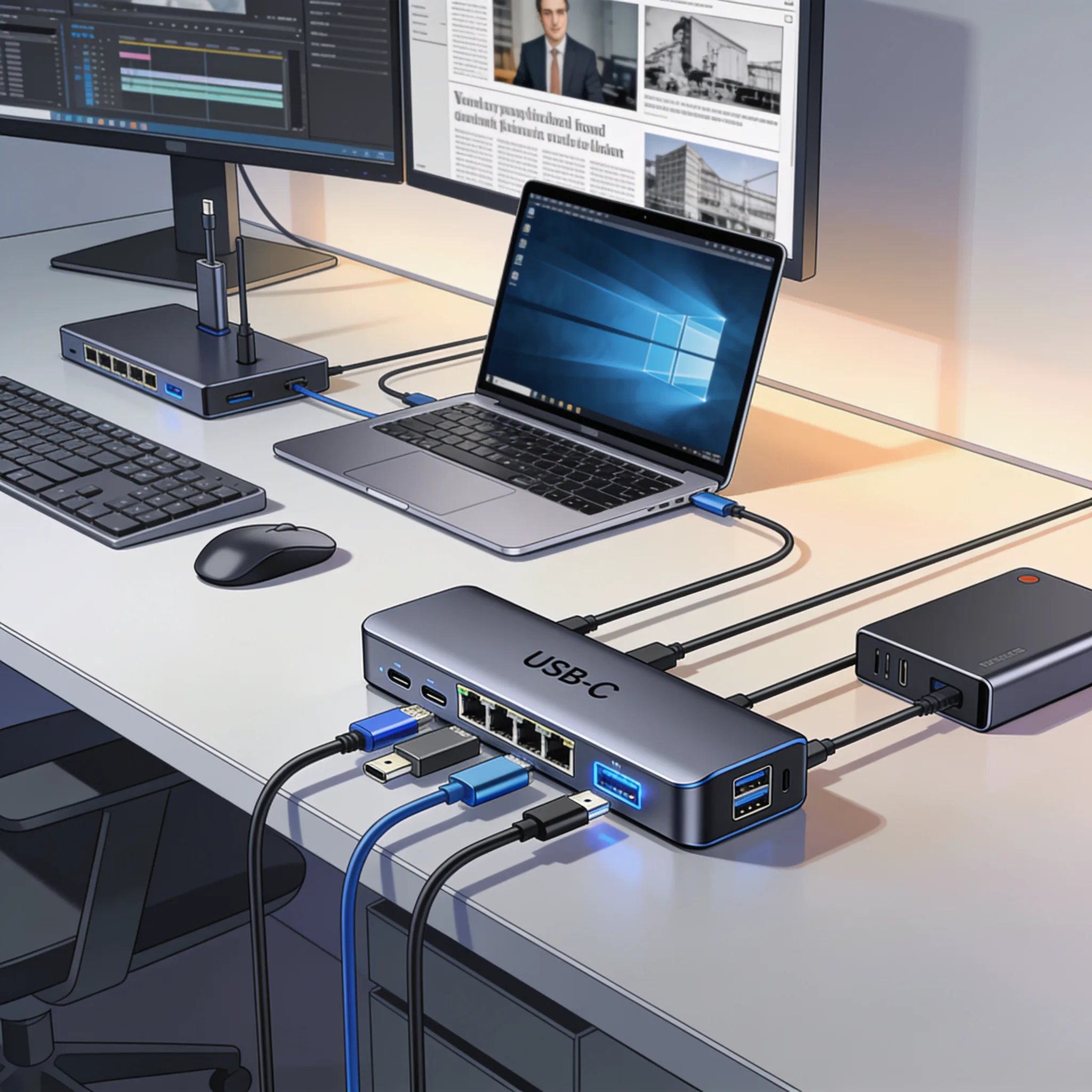
Laptops have become thinner and more powerful, but their compact designs often lack the ports needed for a complete desktop workstation. A USB-C docking station solves this problem by connecting multiple peripherals through a single cable.
What the technology does
A docking station acts as a central hub that expands connectivity. It provides outputs for external monitors via HDMI or DisplayPort, additional USB ports, SD card readers, and Ethernet connections for stable wired internet access. This allows a laptop with only three or four built-in ports to support a dozen or more devices simultaneously.
The primary benefit is simplicity. Users can connect all their equipment—monitors, keyboards, webcams, and chargers—with one plug when arriving at a desk. When leaving, they disconnect just one cable to restore portability. This setup keeps desks tidy because cables run to the dock rather than the laptop itself.
Another advantage is hardware preservation. Repeatedly plugging and unplugging multiple cables places significant strain on a laptop’s ports. A docking station takes over this task, ensuring the laptop’s built-in connectors last longer.
Hub versus docking station
Not all expansion devices are identical. USB-C hubs typically offer four to ten ports and cost between $30 and $150. They suit users who need basic connections without extensive power management.
Docking stations generally provide more ports and include their own DC power adapter. Higher-end models exceed $400 and may feature Thunderbolt 4 or USB4 capabilities. These premium docks can drive multiple displays, handle audio, manage Ethernet, and charge the laptop through the single connection.
Compatibility matters before purchase. A USB-C port must support DisplayPort Alt Mode, Thunderbolt, or USB4 to output video. The dock also needs Power Delivery pass-through capability matching the laptop’s required wattage. Users planning to work with the lid closed should ensure the power remains plugged in, as external monitors increase power consumption.
What it means
For professionals who switch between mobile and stationary workspaces, a docking station reduces daily friction. Instead of managing a tangle of cables each morning, users simply plug in one cord to activate their entire workflow. This convenience supports productivity without requiring expensive new hardware.
However, not every laptop will work with every dock. Buyers must verify that their specific model supports the necessary video output standards and power delivery requirements. Those who rely on high-resolution external displays or fast data transfers should prioritize Thunderbolt 4 or USB4 models despite the higher cost.
Uncertainty remains regarding long-term durability across different brands. While the concept of reducing port wear is sound, real-world performance depends on build quality and compatibility specifics that vary by manufacturer.
Would you use a docking station to simplify your workspace, or do you prefer keeping your current setup?